Document
The Document object stores designed forms and their associated data within a workflow process.
The Document object is used to store the designed forms and the data entered into those forms within a workflow process.
When the Document object is added to a workflow, it cannot be connected directly to other workflow objects using connection arrows, nor can other objects connect to it.
Instead, the Document object is included as part of other workflow objects such as:
PositionPosition GroupNotification
This enables the form linked to the Document object to be displayed in the relevant step of the process.
Property Viewer Panel
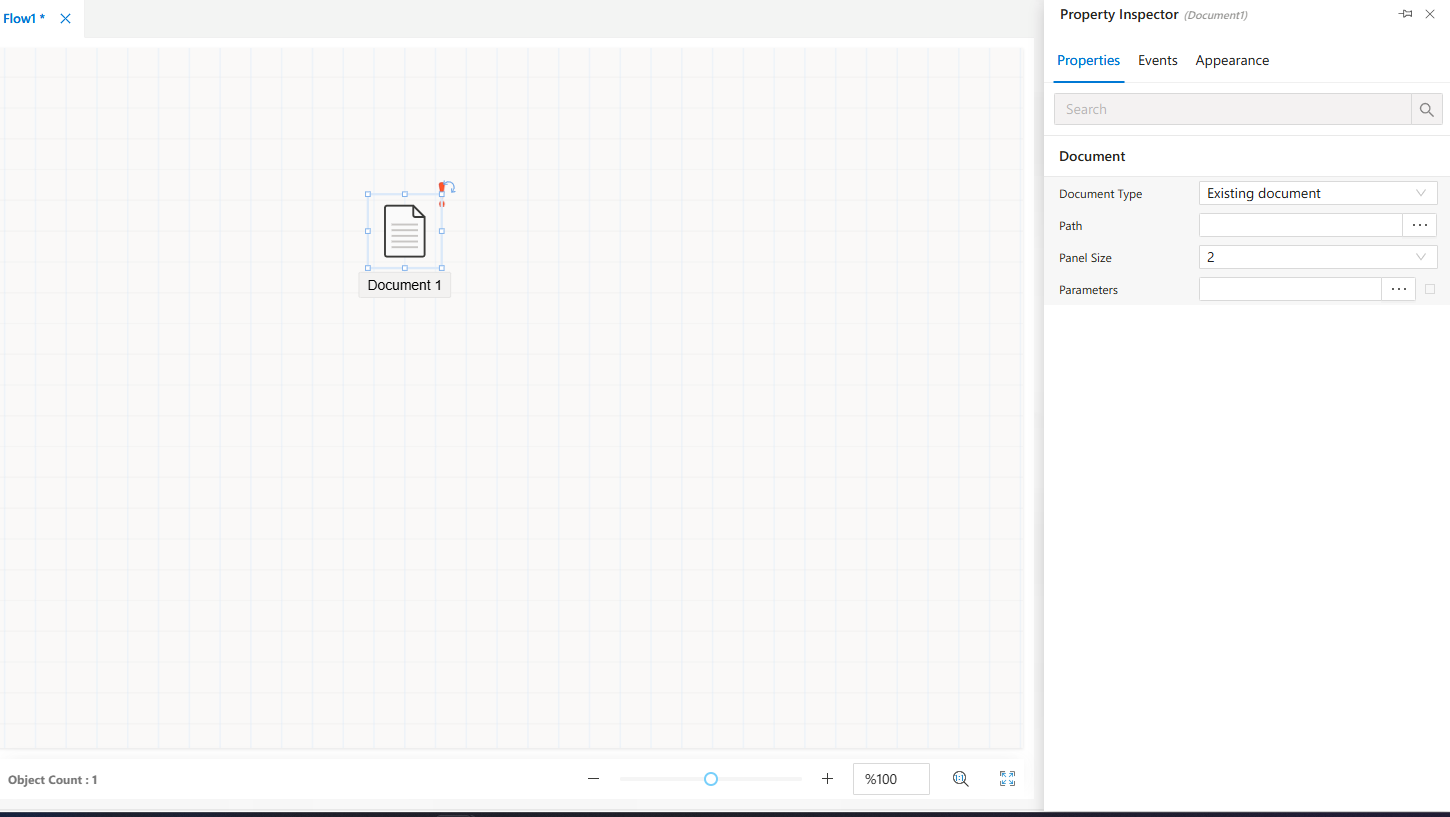
When you select the Document object in the workflow design screen, the Property Viewer panel will display its configuration options.
The Document object provides three main sections:
Appearance— Controls the visual presentation of the document.Properties— Manages document-specific settings and configurations.Events— Handles event-driven actions related to the document.
FAQs
- What is the purpose of the Document object in workflow design?
- How does the Document object handle form parameters?
- How does “Document Type” affect form usage in the Document object?